
How To Quiet A Ugreen 4800 Plus Without Sacrificing Drive Temps
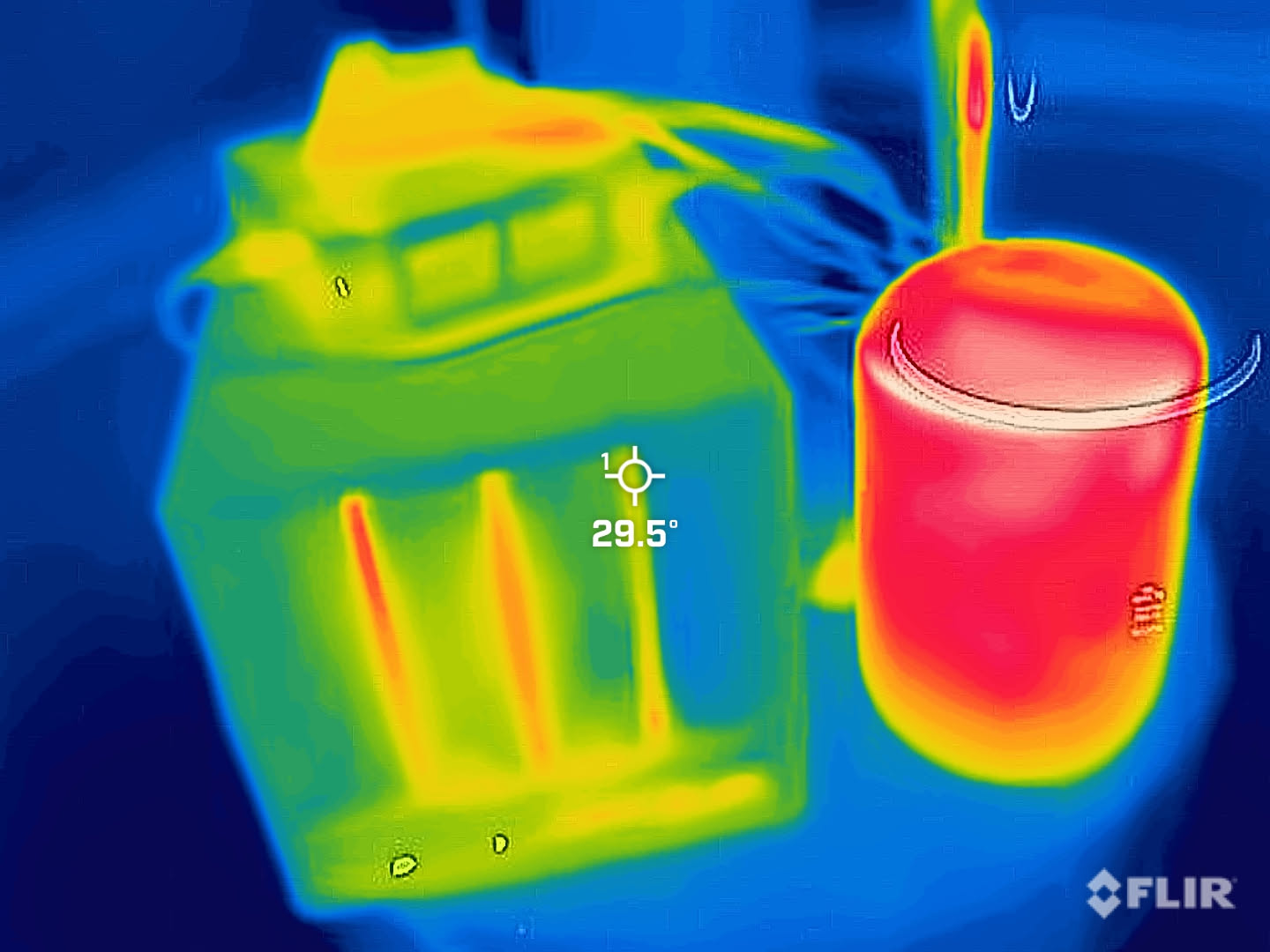
I recently got a Ugreen 4800 Plus NAS, and it is basically perfect for what I wanted. Four bays, enough CPU, enough RAM, nice build quality, and it does not look like a sci-fi router from 2012.
The first thing I did was wipe the OS it shipped with and install TrueNAS. That part was also great.
The not so great part was the noise.
I expected it to be louder than my old Synology, mostly because I moved from “HDDs in a plastic box” to “a more PC-like NAS with more airflow”. Still, it was louder than I thought it would be, and it had this annoying behavior where the fan would randomly ramp up. Which is exactly the kind of thing you notice at night.
So I did what any engineer would do. I measured everything, tried to change one variable at a time, and waited 30 minutes between tests so I was not just measuring the previous test.
Baseline noise#
With the stock fan and TrueNAS fan control on automatic:
- Idle: 41 dB
- Backup running: 50 dB
If I forced the fan to 100% (mostly to understand the worst case):
- Idle, fan 100%: 52 dB
- Backup, fan 100%: 55 dB
55 dB does not sound huge on paper, but it is the kind of loud that makes you start thinking about where you can hide a NAS.
Before touching fan curves, I checked temperatures#
I was tempted to just calm down the fan curve so it would not ramp up, but I wanted to see if I even had thermal headroom.
Idle (stock fan, auto)#
| Metric | Value |
|---|---|
| CPU max core | 36C |
| /dev/sda | 36C |
| /dev/sdb | 39C |
| /dev/sdc | 36C |
| NVMe composite | 37.9C |
| NVMe sensor 1 | 52.9C |
Not too bad.
Backup running (stock fan, auto)#
This is where I started to get annoyed. One drive went over 40C.
| Metric | Value |
|---|---|
| CPU max core | 38C |
| /dev/sda | 38C |
| /dev/sdb | 41C |
| /dev/sdc | 37C |
| NVMe composite | 39.9C |
| NVMe sensor 1 | 54.9C |
Having a drive above 40C during normal operation is not where I want to be. DatacenterDynamics has a line that stuck with me:
“For every 5 degrees above 40C, the failure rate can increase by 30 percent.”
Source: https://www.datacenterdynamics.com/en/opinions/the-effects-of-high-temperatures-on-hard-drives/
No thank you.
CPU stress test (stock fan, auto)#
For completeness, I also pinned the CPU. This CPU is basically a laptop CPU sitting in its own little nook at the bottom with a tiny fan, so it predictably slammed into 100C.
What surprised me is that one of the drives still sat at 40C.
| Metric | Value |
|---|---|
| CPU max core | 98C |
| /dev/sda | 37C |
| /dev/sdb | 40C |
| /dev/sdc | 36C |
| NVMe composite | 39.9C |
| NVMe sensor 1 | 54.9C |
That convinced me this was not just “backup makes heat”. The chassis airflow and vibration noise situation needed work.
100% fan (stock fan)#
Since I already tested the noise at 100% fan, I checked temps too.
Idle, fan 100%:
| Metric | Value |
|---|---|
| CPU max core | 31C |
| /dev/sda | 31C |
| /dev/sdb | 33C |
| /dev/sdc | 30C |
| NVMe composite | 34.9C |
| NVMe sensor 1 | 48.9C |
Backup running, fan 100%:
| Metric | Value |
|---|---|
| CPU max core | 71C |
| /dev/sda | 33C |
| /dev/sdb | 34C |
| /dev/sdc | 31C |
| NVMe composite | 36.9C |
| NVMe sensor 1 | 51.9C |
And for completeness, 100% fan with 100% CPU:
| Metric | Value |
|---|---|
| CPU max core | 98C |
| /dev/sda | 32C |
| /dev/sdb | 33C |
| /dev/sdc | 30C |
| NVMe composite | 35.9C |
| NVMe sensor 1 | 50.9C |
So yes, the box can cool the drives really well. It just does it loudly, and with a lot of vibration.
Detour: getting fan control working on TrueNAS#
On TrueNAS, the drivers I needed to read and set fan speeds were not there. Also, TrueNAS is not the kind of OS where you casually apt install things.
So I used Docker to compile the it87 driver in a Debian container, then loaded it on the TrueNAS host.
Start a build container with access to the host kernel headers and module tree:
docker run --rm -it \
  -v /lib/modules:/lib/modules:ro \
  -v /usr/src:/usr/src:ro \
  -v /tmp/it87-build:/output \
  debian:bookworm bash
Inside the container, install the build tools:
apt-get update
apt-get install -y gcc make git libelf-dev build-essential kmod
Download the driver and build it against the host kernel:
git clone https://github.com/groeck/it87.git
cd it87

KVER="$(uname -r)"
make -C "/lib/modules/${KVER}/build" M="$PWD" modules

cp it87.ko /output/
Back on the TrueNAS host, load it:
insmod /tmp/it87-build/it87.ko
Once that worked, I could do controlled fan tests instead of guessing.
Attempt #1: a printed anti-vibration base#
I recently got a new 3D printer:
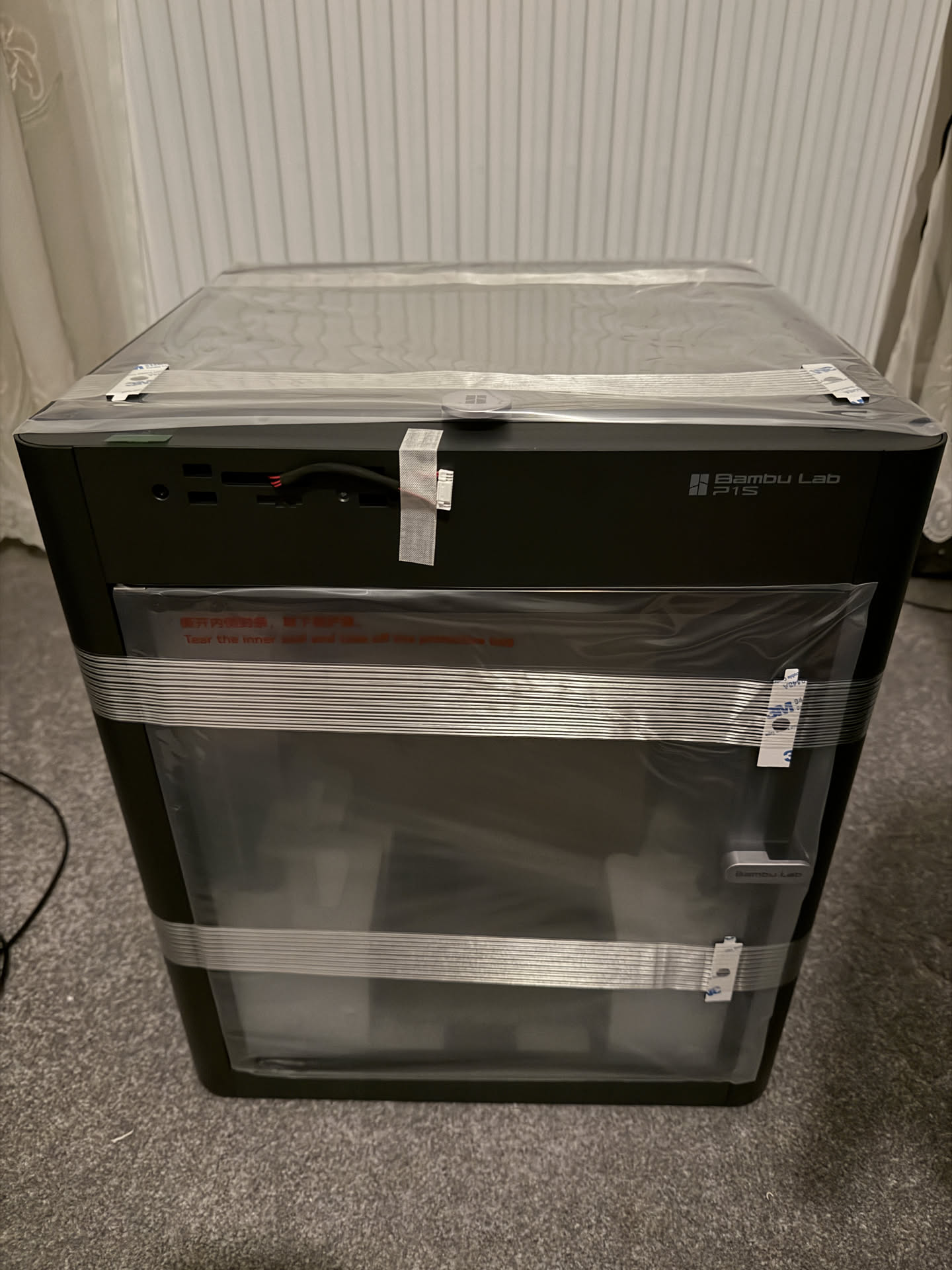
So I went looking for anything that might reduce noise without touching thermals first. The best idea I found was this anti-vibration base: https://makerworld.com/en/models/1559467-anti-vibration-base-for-ugreen-4800-nas?from=search#profileId-1638734
The nice part is that it uses the same rubber feet I had already bought for my printer. They were 1 quid when I bought the printer, and the box comes with 8 for some reason. 4 for the printer and 4 for my NAS, obviously.
I printed it:
Mounted it under the NAS:
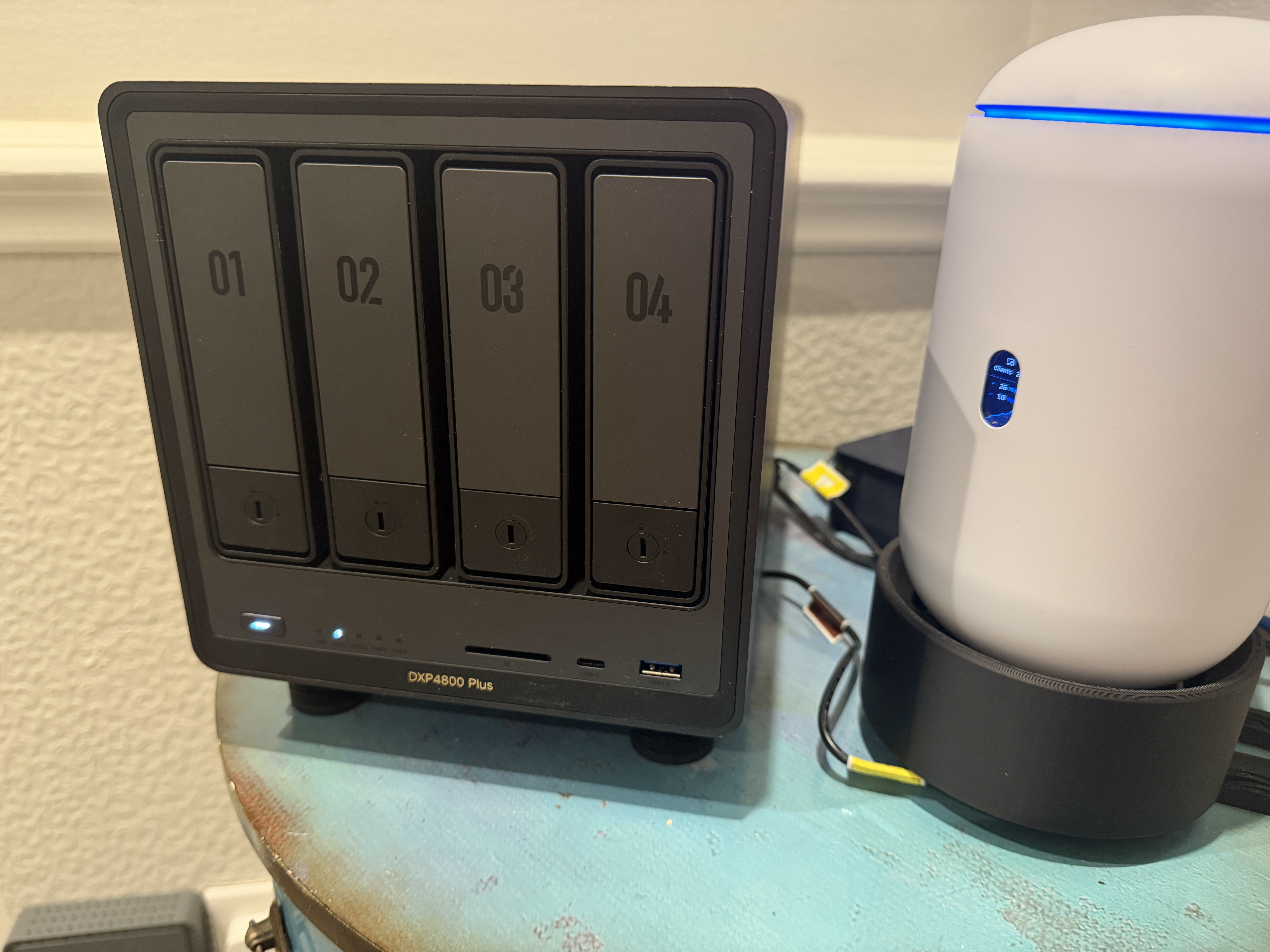
And re-measured noise.
Noise results (base only)#
Auto fan:
- Idle: 37 dB (down from 41 dB)
- Backup: 47 dB (down from 50 dB)
That 4 dB drop is bigger than it sounds. dB is logarithmic. A 4 dB reduction is about 2.5x less sound energy.
At 100% fan:
- Idle, fan 100%: 51 dB (was 52 dB)
- Backup, fan 100%: 52 dB (was 55 dB)
This mod was immediately worth it. It made the NAS sound less buzzy, and more like a steady fan noise.
Attempt #2: anti-vibration drive bay clips (mostly a miss)#
The second thing I found was these anti vibration clips for the drive bays: https://makerworld.com/en/models/2049552-ugreen-nas-anti-vibration-clip-2-5#profileId-2211852
I printed them and installed them:
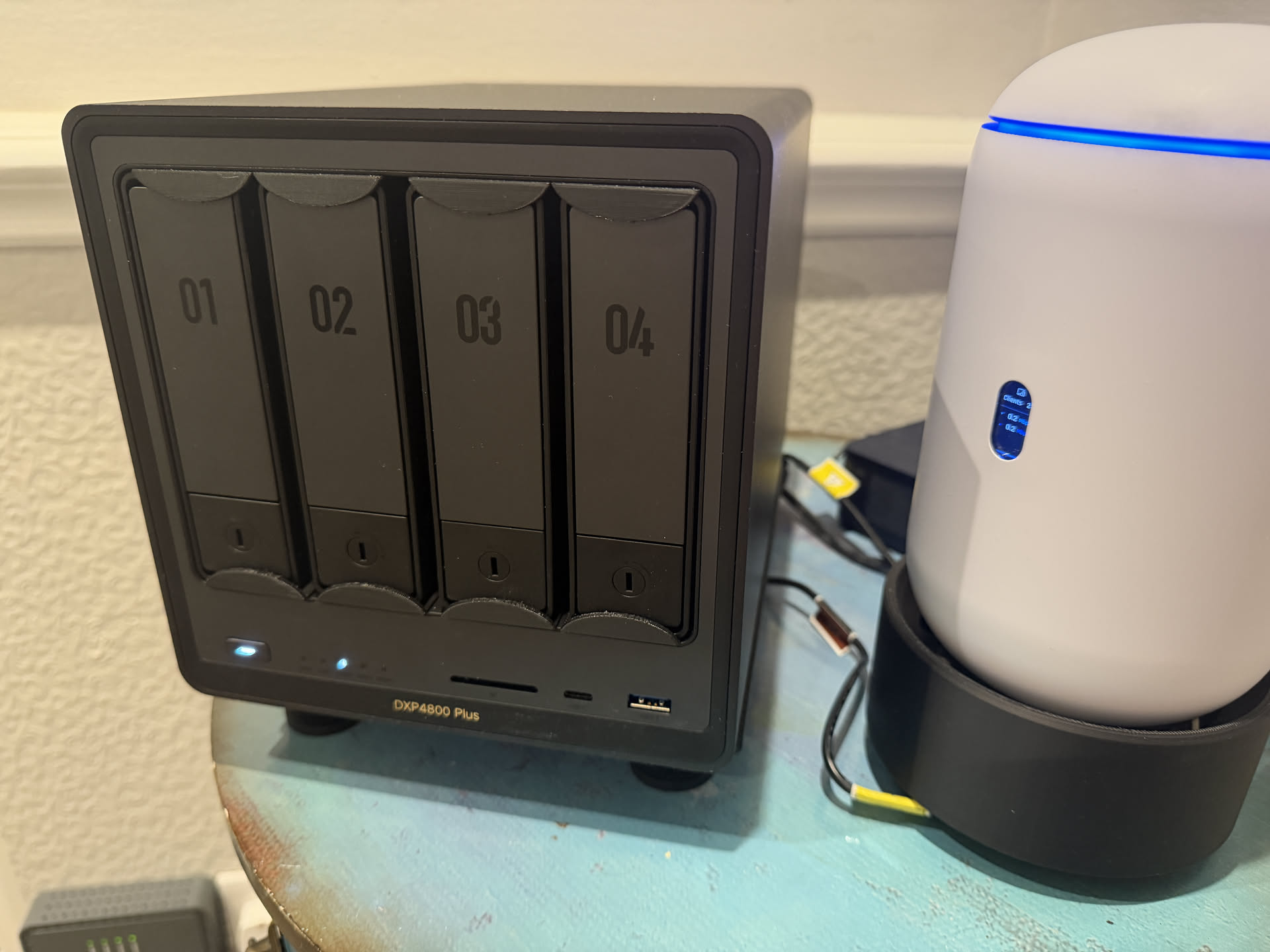
But honestly, the noise differences were not really there. My measurements were basically identical, with the only change being a 1 dB difference in one scenario. I am fairly sure that was just measurement variance.
The model page says:
I recommend PLA but TPU also works if you prefer a softer, more flexible damping effect.
I used PLA. If I revisit this, I will try TPU.
Attempt #3: swap the rear fan for a Noctua#
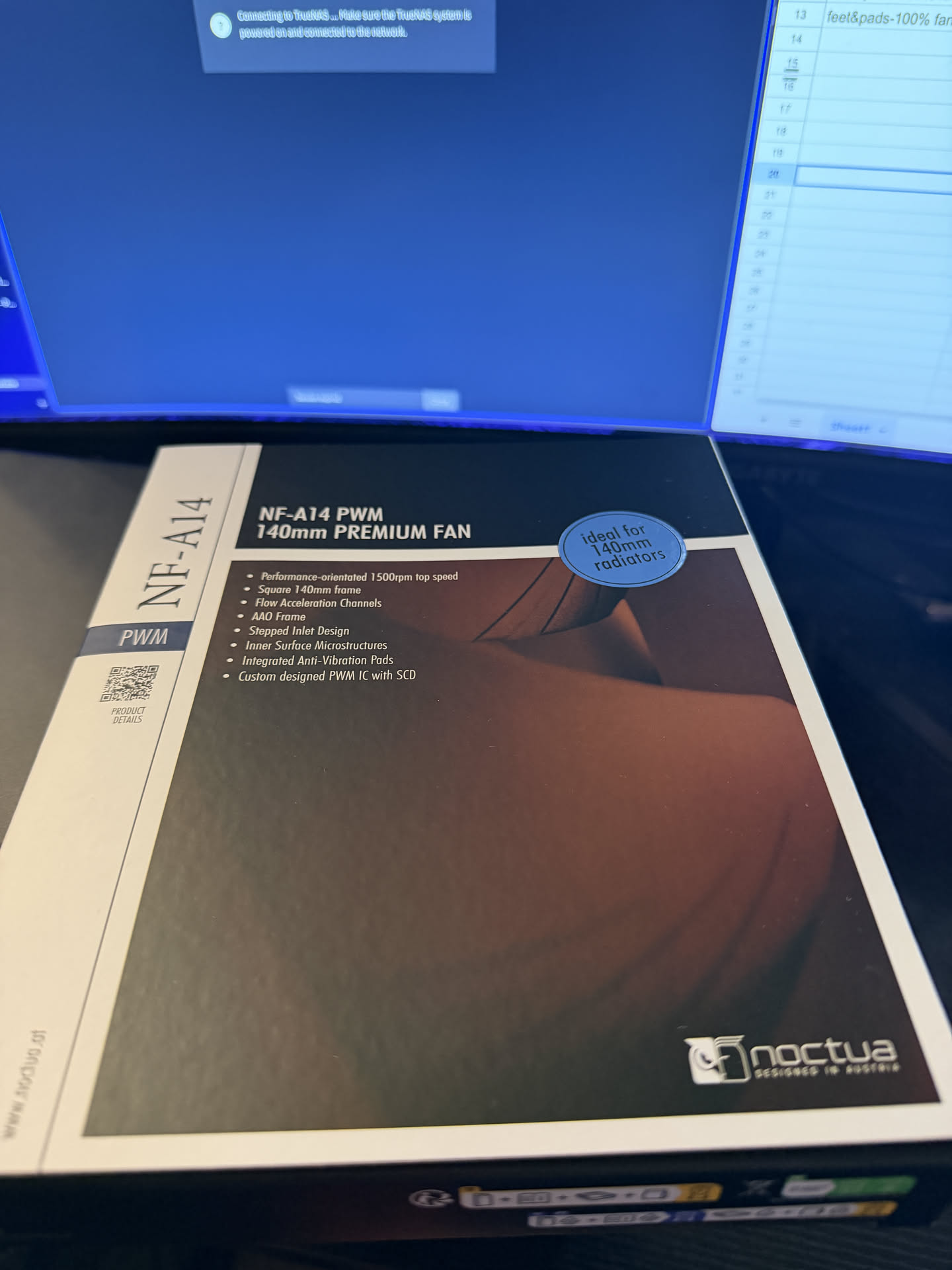
Noctua kindly provided an NF-A14 PWM fan for this project. This post was written independently, no payment was received, and Noctua did not preview or influence the content.
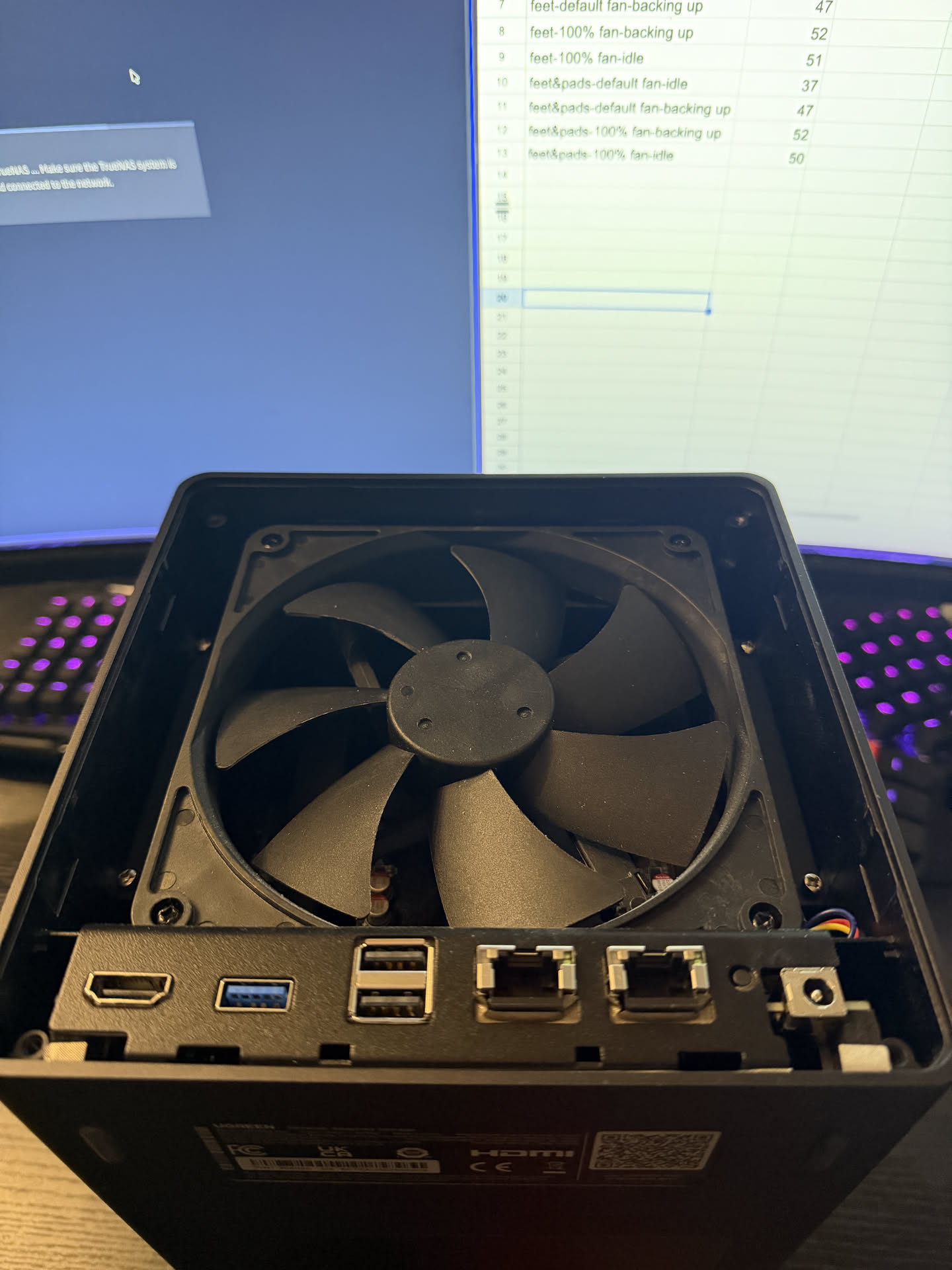
Opening the back of the NAS was easy. Four screws and the whole rear panel comes off, and you can see the stock fan:
The only thing I had to be careful about when installing the Noctua was not pinching the cable. I had to route it to the right:
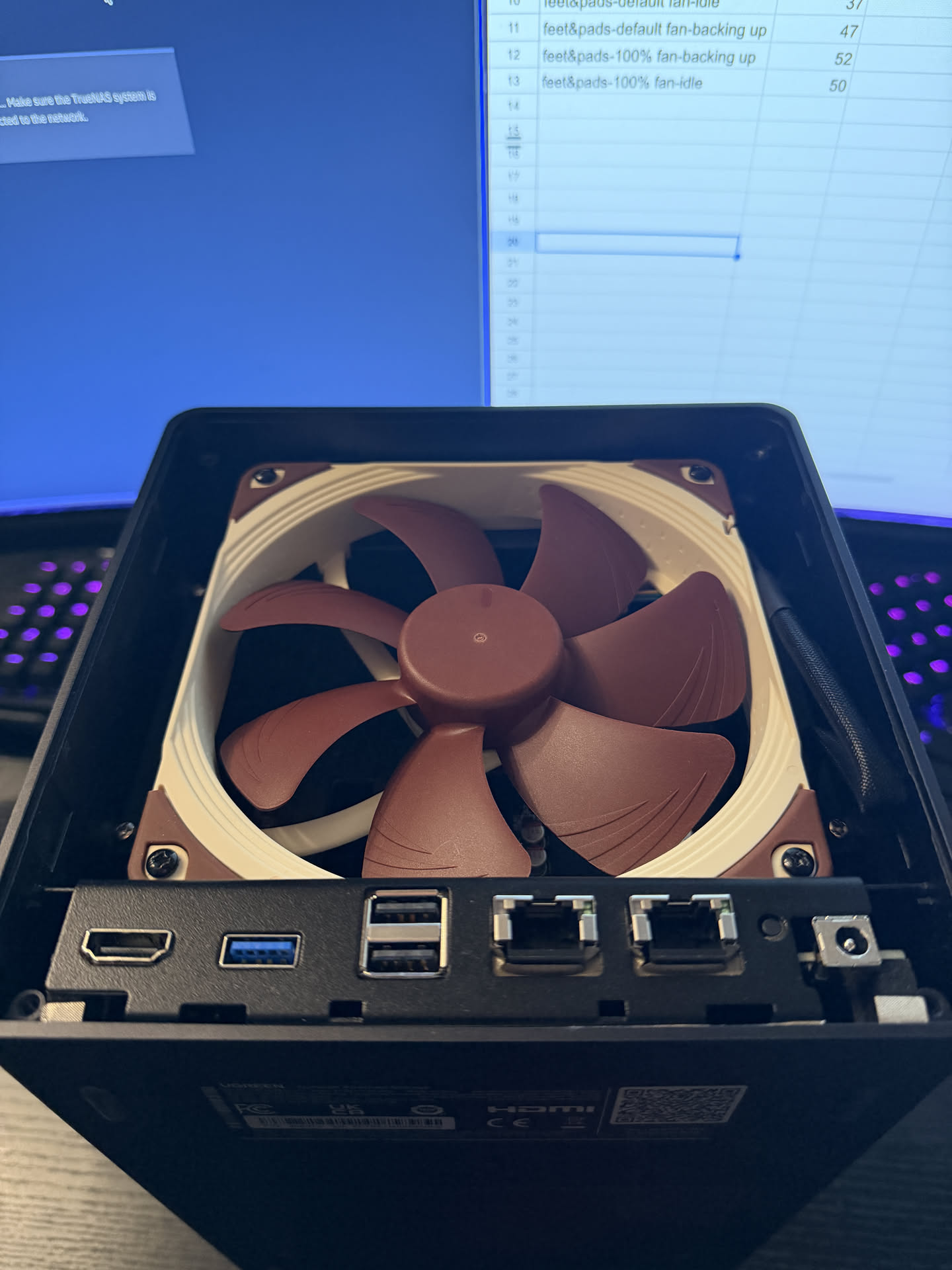
Because of the rubber anti-vibration pads on the Noctua, I also had to press harder than usual when tightening the screws, but it all fit fine.
At this point the NAS had:
- the anti-vibration base
- the (mostly pointless) drive bay clips
- the Noctua NF-A14 PWM rear fan
Noise and temperature results (final setup)#
Idle (auto fan)#
Noise: 34 dB.
34 dB is quiet room territory. It is the kind of noise floor where the loudest thing is usually your fridge cycling in another room.
Temperatures after 30 minutes idle:
| Metric | Value |
|---|---|
| CPU max core | 45C |
| /dev/sda | 34C |
| /dev/sdb | 35C |
| /dev/sdc | 34C |
| NVMe composite | 41.9C |
| NVMe sensor 1 | 57.9C |
Drive temps were now comfortably below 40C, which is what I actually care about.
Backup running (auto fan)#
Noise: 46 dB (down from 50 dB baseline).
Temperatures:
| Metric | Value |
|---|---|
| CPU max core | 53C |
| /dev/sda | 35C |
| /dev/sdb | 35C |
| /dev/sdc | 36C |
| NVMe composite | 41.9C |
| NVMe sensor 1 | 57.9C |
This is exactly what I wanted. Backups no longer push a drive over 40C, and the NAS is quieter while doing it.
100% fan (final setup)#
This was the most satisfying comparison.
Baseline was:
- 52 dB idle at 100% fan
- 55 dB backup at 100% fan
With the Noctua, it became:
- 47 dB idle at 100% fan
- 50 dB backup at 100% fan
That is a 5 dB drop in both cases, which is about 3.2x less sound energy. Subjectively it also lost a lot of the harshness.
Idle, fan 100%:
| Metric | Value |
|---|---|
| CPU max core | 30C |
| /dev/sda | 33C |
| /dev/sdb | 31C |
| /dev/sdc | 30C |
| NVMe composite | 34.9C |
| NVMe sensor 1 | 49.9C |
Backup running, fan 100%:
| Metric | Value |
|---|---|
| CPU max core | 45C |
| /dev/sda | 34C |
| /dev/sdb | 32C |
| /dev/sdc | 31C |
| NVMe composite | 36.9C |
| NVMe sensor 1 | 51.9C |
For perspective, before any mods I needed 55 dB to get drive temps to 33C to 34C during a backup. Now I get basically the same drive temps at 50 dB.
And for completeness, 100% fan with 100% CPU:
| Metric | Value |
|---|---|
| CPU max core | 100C |
| /dev/sda | 33C |
| /dev/sdb | 31C |
| /dev/sdc | 30C |
| NVMe composite | 36.9C |
| NVMe sensor 1 | 51.9C |
What I ended up with#
The best part is that the biggest wins came from boring fixes:
- decouple the NAS from the desk so vibration does not get amplified
- replace the fan with one that does not sound awful when it spins up
The final system is:
- quieter at idle (41 dB to 34 dB)
- quieter under load (50 dB to 46 dB)
- much quieter in worst case fan scenarios (55 dB to 50 dB)
- and most importantly, the drives stay below 40C during backups
I consider that a success, and hopefully it means this NAS will both annoy me less and live longer.
If you want to replicate this, the order I would do it in is: base first, then fan. The drive clips are optional, and I might revisit them in TPU later.